What to Do When Old Photos Turn Yellow? From Causes to Restoration, A Complete Guide to Rescuing Your Memories

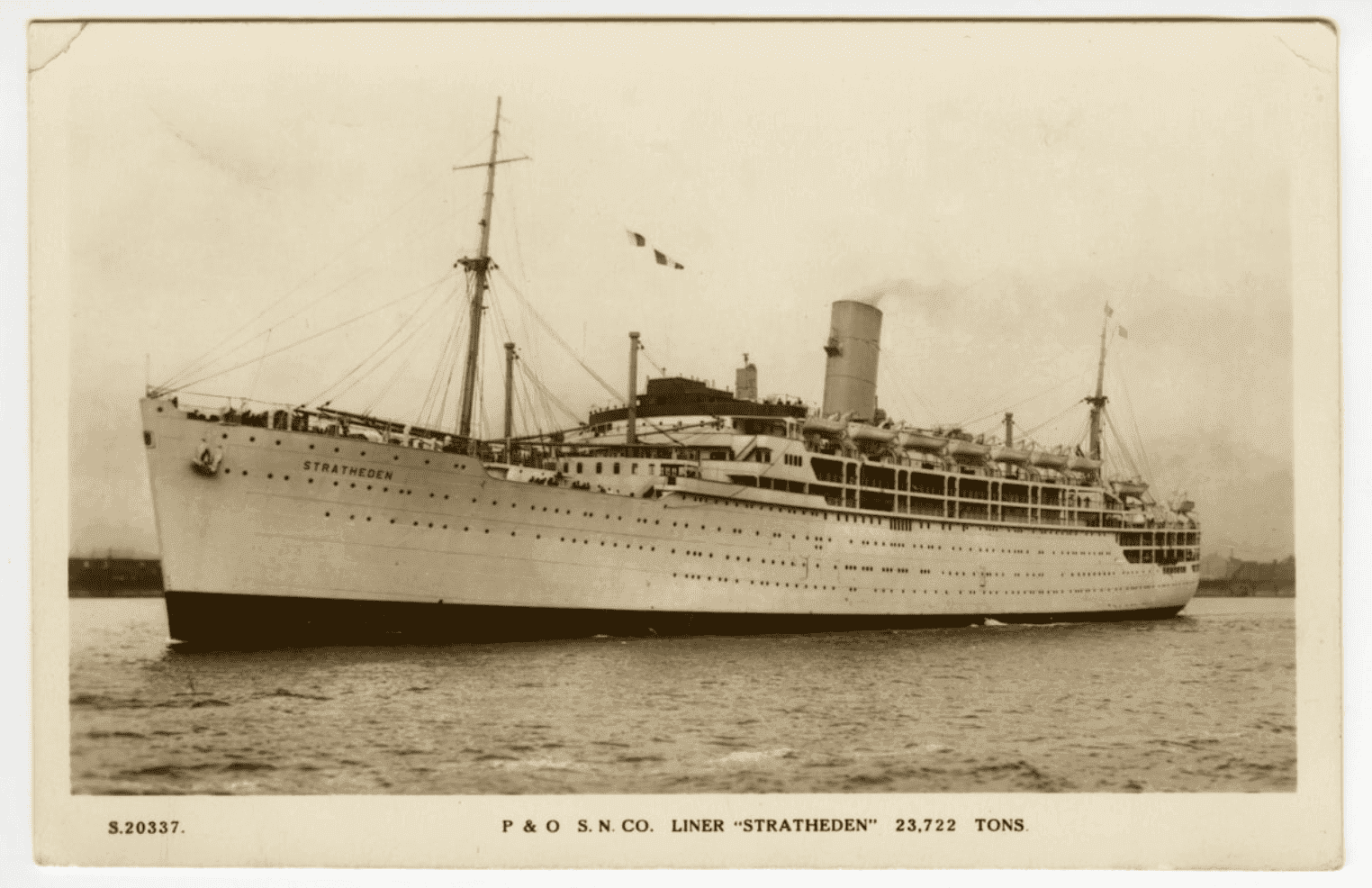
Opening a drawer and pulling out decades-old photo albums, you might find pristine white wedding dresses, school uniforms, and background walls all shifted to a yellowish, brownish "vintage filter"—or even plagued by spots and fading. This sense of helplessness and heartbreak is common. In reality, yellowing photos are mostly caused by light, humidity, and the chemical aging of photo paper itself. The good news: with the right steps, you can slow down further deterioration and use scanning + digital restoration to bring your old photos back to life.
Why Do Old Photos Turn Yellow?
1. Chemical Aging of Photo Paper and Developing Agents
Numerous photo restoration and printing guides point out that yellowing in old photographs is primarily caused by chemical residues and oxidation reactions:
- Incomplete Rinsing: If photos were not thoroughly washed during original darkroom processing, residual fixing solutions and soluble silver salts remain in the emulsion layer. These residues continue to react over time, generating yellow or dark spots.
- Oxidation of Light-Sensitive Materials: Photo paper and its light-sensitive layers contain silver bromide and other silver compounds. Prolonged exposure to air and oxygen oxidizes these materials into yellow chemical compounds, tinting the entire image.
- Photochemical Reactions: Organic dyes and lignin in paper undergo photochemical reactions when exposed to light over long periods. Their chemical structures alter, causing colors to fade and shift yellow—similar to how fabric fades over time.
2. Poor Storage Environments: Humidity, Intense Light, and Acidic Materials
Preservation guidelines consistently highlight the following environmental hazards:
- High Humidity: Damp conditions accelerate chemical oxidation and encourage mold growth, turning photo paper yellow, moldy, and brittle.
- Direct Sunlight and Harsh Lighting: Photos displayed near windows or under bright room lights experience rapid dye degradation, commonly fading into a pale yellowish-brown tint.
- Low-Quality Albums, Pastes, and Boxes: Album pages, adhesives, or storage boxes with high acid content gradually erode photo paper, causing the edges to yellow and embrittle first.
In short: Subpar darkroom washing + oxidation + light exposure + humidity + acidic materials are the primary reasons old photos turn yellow.
Can Yellowed Old Photos Still Be Saved?
When handling yellowed paper prints, split your strategy into two distinct paths: physical preservation and digital restoration.
1. Avoid Forceful "Chemical Bleaching"
In traditional darkroom processing, chemical baths (such as formaldehyde, sodium sulfite, or potassium ferricyanide solutions) were sometimes used to strip yellowing or silver tarnishing. However:
- These methods demand precise chemical concentrations, strict timing, and exhaustive post-wash rinsing—otherwise, the entire photo can be destroyed instantly.
- The chemicals involved are corrosive, toxic, and unsafe for home experimentation.
Modern conservators strongly advise against applying chemical treatments to original prints at home. Instead, rely on a scanning + digital restoration approach.
2. Simple Physical Cleaning: Handle Surface Dirt Only
If a photo suffers from mild yellowing accompanied by surface dust, perform a very gentle cleaning:
- Use a soft, clean brush or a rubber air blower to lightly sweep away surface dust and grit.
- If fingerprint oils exist on the surface, use a slightly damp, lint-free microfiber cloth to gently wipe the margins—avoid rubbing hard over facial or portrait details.
- Some photography enthusiasts use a cotton swab dampened with a tiny amount of alcohol to spot-clean surface grime on newer synthetic papers. However, efficacy is limited and carries surface scratch risks; proceed with extreme caution.
Rule of Thumb: Once photo paper undergoes chemical yellowing, physically "bleaching it white" without damage is virtually impossible. Rather than risking the original print, focus on physical protection and leave color recovery to digital tools.
Recovering Colors: "Revive" Old Photos via Scanning + Digital Restoration
1. Step 1: High-Resolution Scanning—Secure a "Digital Backup" First
Regardless of which editing software you plan to use, the mandatory first step is digitizing the physical photograph:
- Resolution: Scan at a minimum of 600 dpi; use 1200 dpi for smaller photos or prints with crucial fine details.
- Equipment: Use a flatbed scanner whenever possible to avoid perspective distortion and surface glare typical of smartphone photos.
- File Format: Choose uncompressed TIFF or high-quality PNG/JPG. TIFF files preserve full color data without compression loss, making them ideal for heavy restoration work.
- Tip: Placing curled photos under a clean glass plate during flatbed scanning flattens the image and eliminates shadows caused by warping.
2. Step 2: Adjust Levels and White Balance to Remove the "Yellow Haze"
In editing software like Adobe Photoshop or GIMP, follow these essential adjustment steps:
- Levels Adjustment: Slide the black-point and white-point markers inward toward the histogram boundaries to expand contrast, instantly clearing up hazy fog.
- Color Balance: To correct a strong yellow cast, shift the "Yellow–Blue" slider slightly toward Blue to neutralize the yellow tone. Fine-tune the Red–Green slider to return skin tones and clothing to natural colors.
- Technical Insight: The core cause of photo yellowing is the loss of blue spectrum information over time. Re-introducing blue via Color Balance dramatically neutralizes yellow casts.
3. Step 3: Use AI Restoration Tools for One-Click "Color Correction & De-hazing"
Dedicated AI old-photo restoration tools (such as HitPaw Photo AI, Fotor, or BackInTime) streamline complex restoration tasks:
- Automatically reduce noise and enhance image sharpness.
- Auto-adjust color temperature and saturation, making yellowed photos look crisp and vibrant again.
- Recognize faces and reconstruct degraded facial features naturally.
- Examples:
- HitPaw provides automated workflows targeting yellow spots, surface cracks, and broken corners.
- Fotor offers web-based AI photo restoration that automatically enhances individual pixels and colorizes faded tones in one click.
- BackInTime showcases app-based workflows for restoring vintage color profiles, highlighting that AI tools excel at rapid batch processing, followed by manual Photoshop tweaks for high-value prints.
Preventing Further Yellowing: Everyday Storage Tips for Old Photos
Even after creating digital restorations, your original physical prints remain valuable family heirlooms worth protecting.
1. Maintain a Safe Storage Environment
- Temperature: Keep photos at standard, stable room temperatures. Avoid high-heat areas (e.g., attics, near appliances, or directly above air conditioning exhausts).
- Humidity: Maintain relative humidity between 30% and 50%. Store prints in dry boxes or near dehumidifiers during damp seasons.
- Lighting: Keep prints away from prolonged direct light exposure, particularly window displays or direct spotlights.
2. Use Acid-Free Albums and Archival Enclosures
- Select albums, photo sleeves, and mounting paper clearly labeled "Acid-Free" to prevent chemical corrosion.
- Avoid applying standard liquid glues or adhesive tapes directly to photos; use archival photo corners or acid-free photo tape instead.
- For long-term storage, place prints inside protective archival sleeves to minimize direct air contact.
3. Implement "Multiple Backups": Physical + Digital + Cloud
Preserving memories in the digital era relies on a three-in-one approach: Physical Print + High-Resolution Scan + Cloud Backup.
- Keep at least one high-resolution digital scan for every irreplaceable family photograph.
- Store restored image files separately from raw original scans to avoid overwriting master files.
- Upload copies to a secure cloud platform (such as Google Photos or iCloud) to safeguard your family history against local hard drive failures or physical disasters.
Preserve Cherished Memories Forever: Capture Album Digitization Service
Do you have boxes of old photographs deteriorating or fading over time? To convert these memories into digital formats for effortless sharing and preservation, Capture HK offers professional album digitization services that turn physical photos into enduring high-resolution digital files.
Capture HK uses commercial-grade scanning equipment to deliver sharp, detailed scans that faithfully reproduce original colors and textures. A variety of file formats are provided for easy viewing across devices, processed under strict care to keep your memories safe.
The Frame Digital Photo Frame
Looking for an elegant way to display your digitized photo collection daily? Capture’s The Frame digital photo frame brings your life’s precious moments together in one display.
Designed with a crisp screen and intuitive controls, The Frame allows you to easily manage and showcase your digitized photo library in your living room, bedroom, or office.
Sources & References
- Causes of Old Photo Yellowing and Restoration Methods (Printing Chemistry, Alcohol Wiping, Scanning)
- Why Old Photos Turn Yellow and How to Preserve Them in the Digital Era — BackInTime Blog
- Why Do Photos Turn Yellow Over Time and How to Prevent It? (Chemical Causes & Darkroom Techniques)
- Step-by-Step Old Photo Restoration Guide (Yellowing Causes, Scanning, and Repair Steps) — iMyFone
- Yellowed Photo Restoration Tutorial and Recommended Apps — HitPaw
- Free AI Old Photo Restoration Tool — Fotor
- Scientific Explanation of Photochemical Reactions Fading Clothing and Old Photos — Mr. Sai