[Photo Sizes] What Should You Know When Developing 2R, 3R, 4R, and Other Photo Prints?

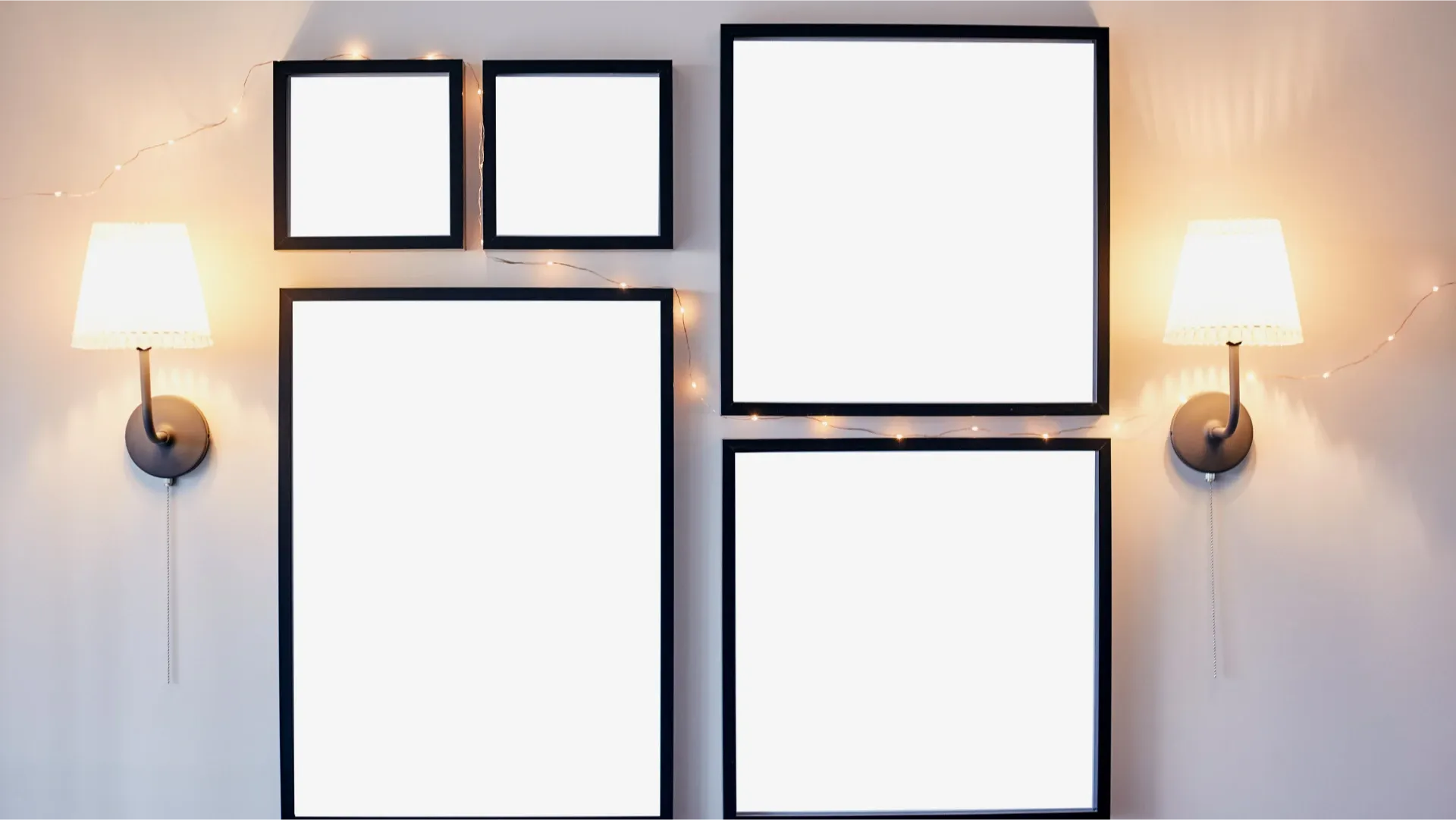
Whether it's travel memories, family gatherings, or important life moments, we often capture these beautiful moments with cameras or smartphones. However, when it comes to printing photos, you may have questions about different photo sizes like 2R, 3R, 4R and more. Capture is here to answer that question, with a guide to photo sizes and tips for photo printing, helping you preserve your precious memories!
What are the different sizes for printed photos?
Photo size refers to the dimensions of a printed photo. Common photo sizes include 2R, 3R, 4R and others. The specifications for different photo sizes are as follows:
- 2R: 2.5 × 3.5 in (ideal for wallet-sized and small photos)
- 3R: 3.5 × 5 in (ideal for display and decoration)
- 4R: 4 × 6 in (ideal for photo albums or photo frame display)
- 4D: 4.5 × 6 in (ideal for 4:3 digital camera and smartphone photos)
- 5R: 5 × 7 in (ideal for wall display)
- 6R: 6 × 8 in (ideal for weddings, family portraits, or photography showcases)
- 8R: 8 × 10 in (commonly used for portraits, art prints, or exhibition-quality printing)
- 12R: 12 × 15 in (ideal for large frames, wedding photos, or high-quality wall displays)
In addition, larger sizes are available, such as 10 × 15, 12 × 18, 20 × 30 and 30 × 40 in, as well as paper sizes from A3 to A6, but these are less commonly used.
Have you considered digitising your photos and putting them into a high-definition digital photo frame?
What does the "R" in photo sizes mean?
"R" is a size code used in the photo printing trade, not a unit of length. The number in front of the "R" roughly matches the length of the photo's short side in inches. For example, a 4R photo is 4 × 6 inches and a 5R photo is 5 × 7 inches.
To convert to centimetres, 1 inch equals 2.54 cm. Taking a 4R photo as an example, the size in centimetres is 10.16 cm × 15.24 cm.
Photo size comparison chart
Here is a photo size comparison chart showing the actual size, aspect ratio and recommended resolution for each size. It is for reference only. Recommended pixels are calculated at 300 dpi; different printing shops may have different requirements, so please follow the specifications of your printing shop.
| Size | Inches | Centimetres | Aspect ratio | Recommended pixels (300 dpi) |
|---|---|---|---|---|
| 2R | 2.5 × 3.5 | 6.4 × 8.9 | 5:7 | 750 × 1050 |
| 3R | 3.5 × 5 | 8.9 × 12.7 | 7:10 | 1050 × 1500 |
| 4R | 4 × 6 | 10.2 × 15.2 | 2:3 | 1200 × 1800 |
| 4D | 4.5 × 6 | 11.4 × 15.2 | 3:4 | 1350 × 1800 |
| 5R | 5 × 7 | 12.7 × 17.8 | 5:7 | 1500 × 2100 |
| 6R | 6 × 8 | 15.2 × 20.3 | 3:4 | 1800 × 2400 |
| 8R | 8 × 10 | 20.3 × 25.4 | 4:5 | 2400 × 3000 |
| 12R | 12 × 15 | 30.5 × 38.1 | 4:5 | 3600 × 4500 |
How to choose a photo size: 4R vs 4D?
Film and most DSLR and mirrorless cameras shoot at a 3:2 aspect ratio, which matches 4R. Most compact digital cameras and smartphones shoot at 4:3, which matches 4D. If you print a 4:3 photo at 4R, you will get white borders; to avoid the borders, part of the image has to be cropped.
That's why it pays to choose the right size. Check the aspect ratio of your photos first: for smartphone or compact camera photos, we recommend 4D; for DSLR or mirrorless camera photos, 4R is the better fit.
Tips for photo printing
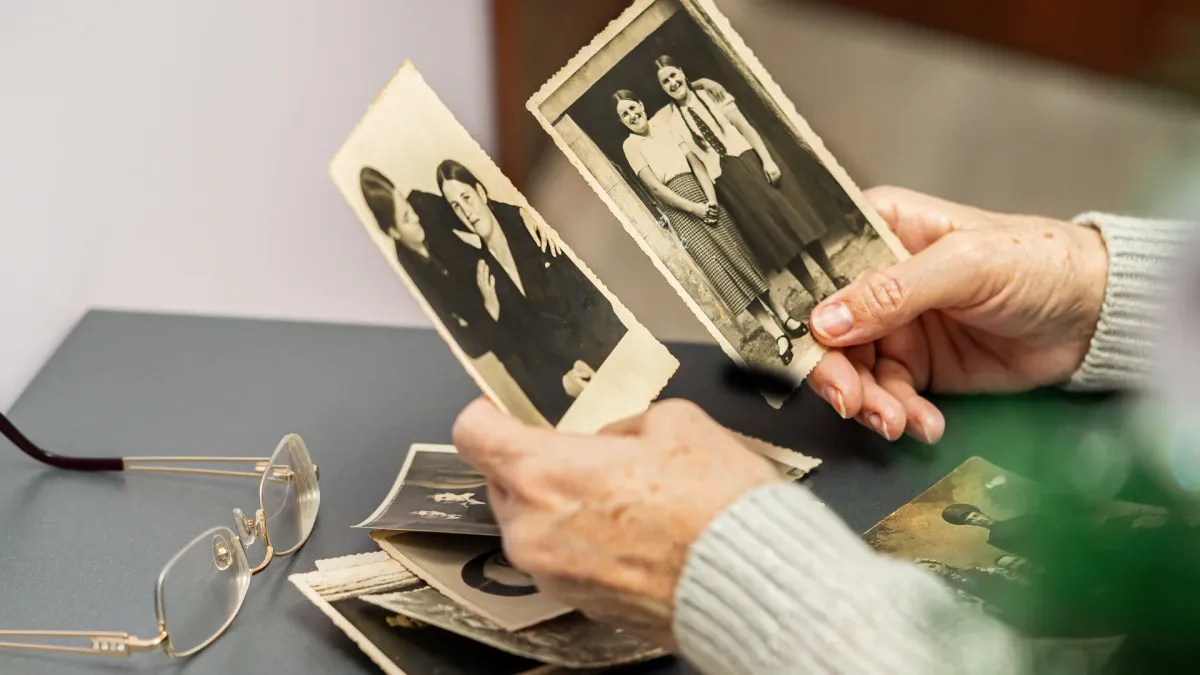
Before printing your photos, keep the following tips in mind to get the best quality:
- Resolution: Make sure your photos meet the pixel requirements of the printing shop to avoid any loss of quality.
- Aspect ratio: Make sure the aspect ratio of your photos matches the print size to avoid cropping or distortion.
- Editing software: If the aspect ratio doesn't match, or you want to adjust brightness or colour, edit the photo yourself before printing or ask the printing shop to help.
- Clear instructions: Give the printing shop clear instructions, such as whether to keep white borders or adjust colour and brightness, so the prints match your expectations.
- Back up first: To protect your precious photos, back them up to your computer, an external hard drive or cloud storage before printing.
Back up your precious photos now!
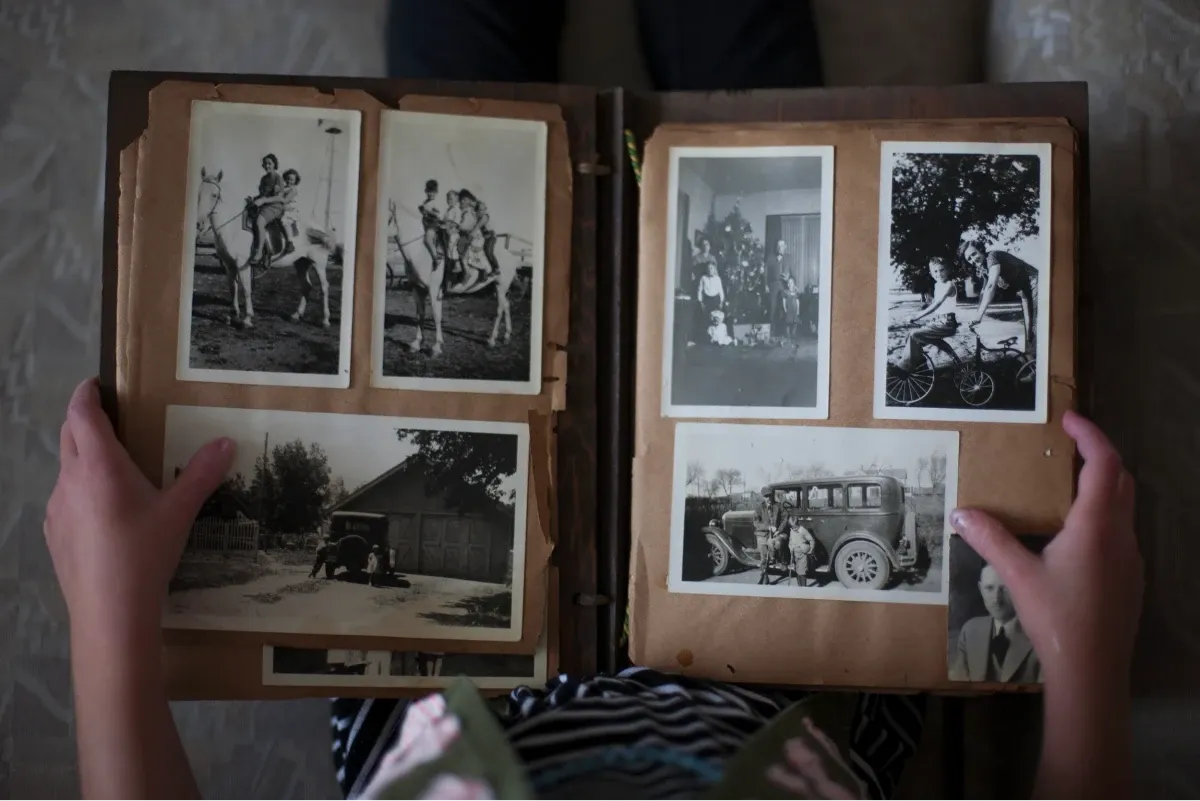
Old printed photos starting to yellow and fade? Digitise them now!
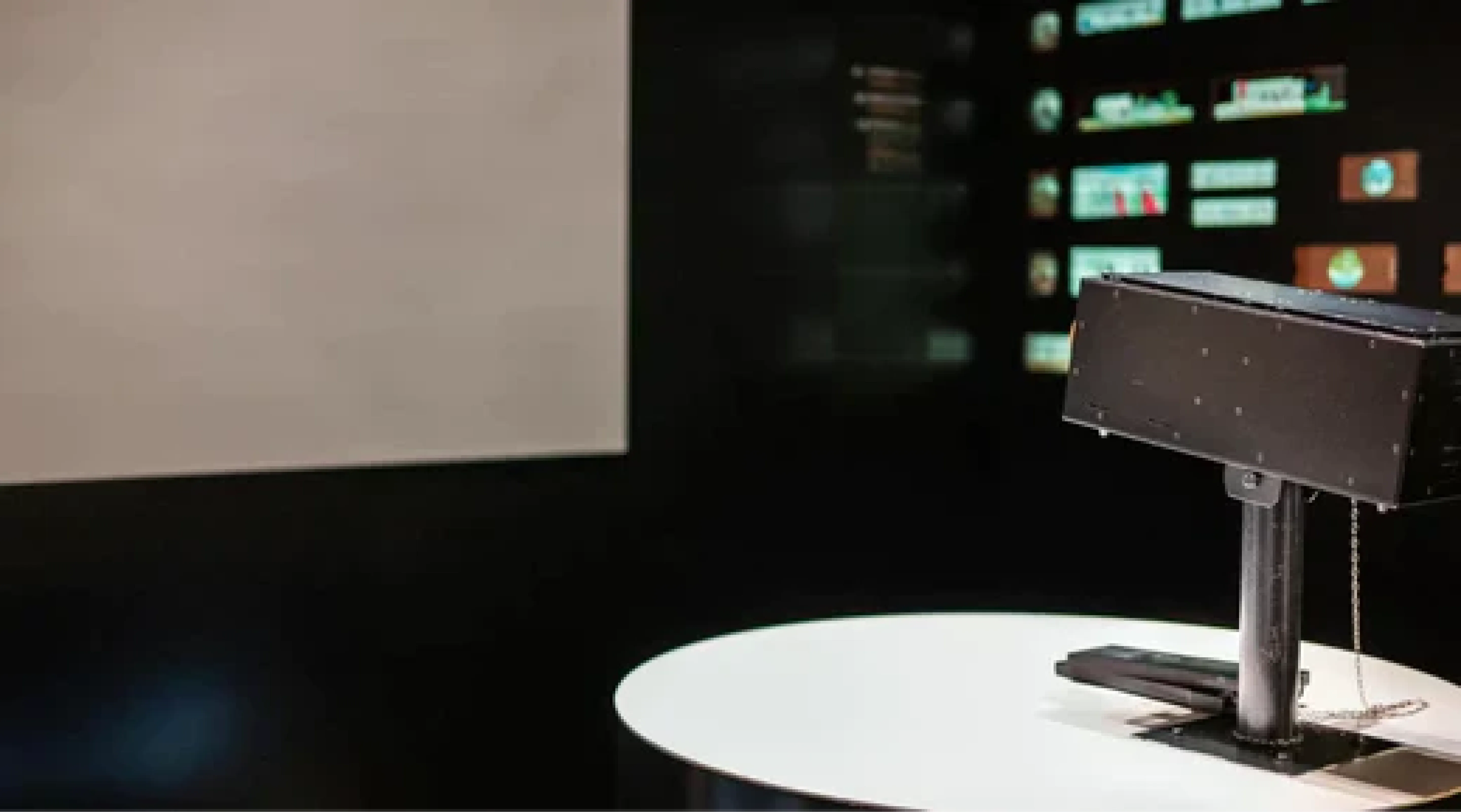
Capture HK's Photo Album Digitisation Service uses specialised digitisation technology to efficiently digitise every photo and videotape. The process is non-contact, so your photos are never removed from your albums or touched. Your files are delivered straight to Google Photos, making it easy to keep and share your precious memories.
👉 Learn more about Capture's Photo Album Digitisation Service
References
- Digital printing pixel requirements - fotobuffet
- Digital photo printing size table and notes - ppfocus
- Photo sizes such as 3×5 and 4×6 converted to centimetres - jiemr
- Tips on photo printing and size ratios - hwataimage
- What are 4R and 4D? - fotobuffet
Capture Reviews
Related Articles
You may also like these articles

Capture · Our team
Any Questions?
Feel free to contact
our Memory Specialists
Not sure what format you have or how best to handle it? WhatsApp us and one of the team will take a look.
WhatsApp us