What to Do When Old Photos Get Moldy? Safe Mold Removal, Digital Restoration, and Moisture Prevention Guide

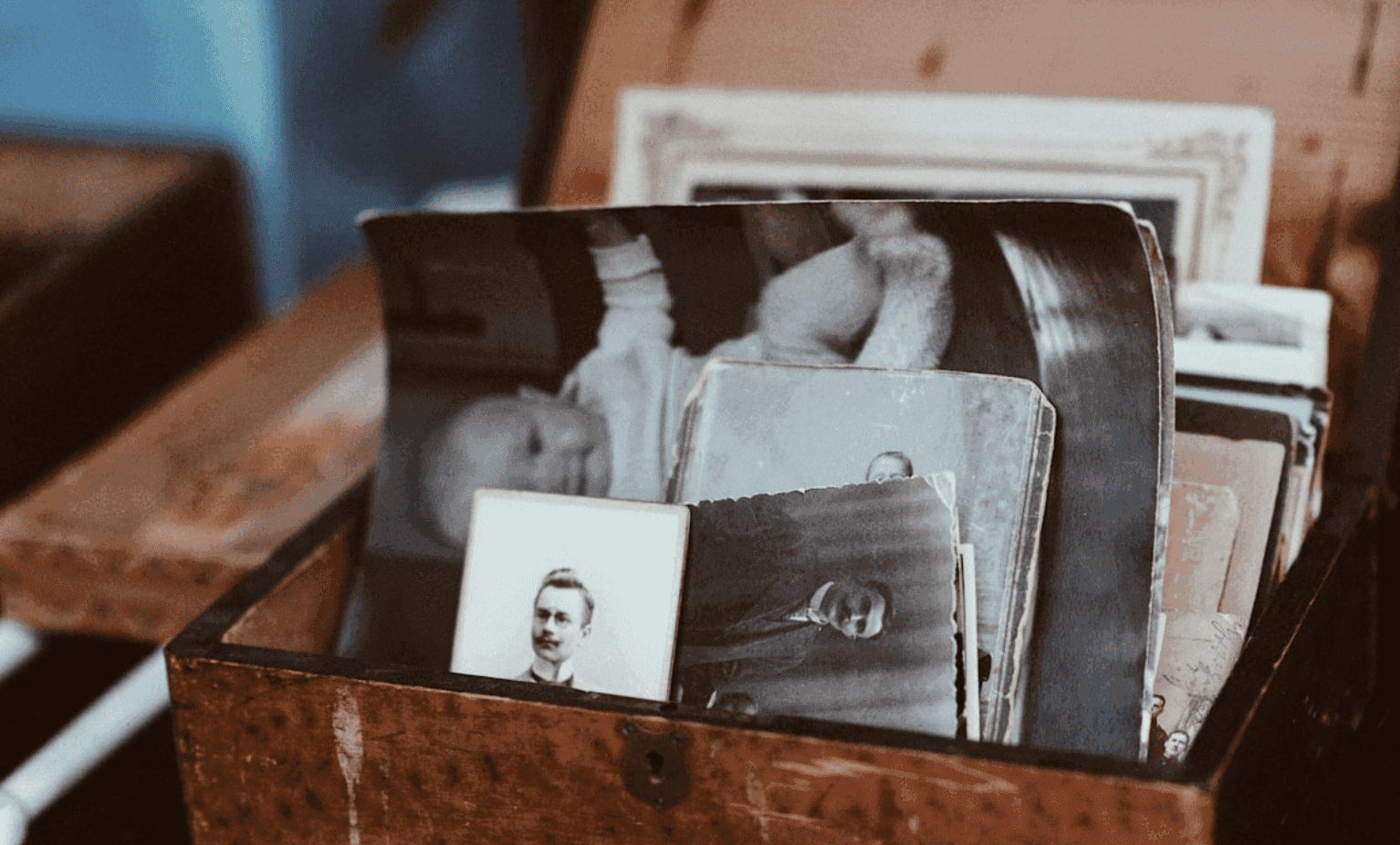
Opening a drawer to find white spots, grey specks, or even massive mold stains sticking old photos together is a heart-sinking moment. If handled incorrectly, cleaning moldy photos can easily strip away the delicate image layer, causing irreversible damage. By following a three-step strategy—"Digitize First, Clean Second, Prevent Moisture Third"—you can rescue precious family memories while minimizing the risk of further deterioration.
Why Do Old Photos Get Moldy? Understanding the Culprit First
Numerous photo preservation and restoration guides point out that photo mold is almost always tied to environmental humidity and poor ventilation:
- Organic Materials Absorb Water: Photo paper consists of organic materials like cellulose fibers and gelatin emulsion, both of which absorb moisture. When stored long-term in humid, enclosed, and unventilated spaces—such as under beds, inside closets, or in old cardboard boxes—photos soak up moisture from the air.
- Airborne Spores Take Root: Mold spores exist naturally in the air. Once they find a humid, nutrient-rich surface (paper fibers, adhesive residues, or dust), they begin to grow, manifesting as black, grey, or white mold spots.
- Severe Emulsion Damage: As noted by Capture HK, when photos are kept in environments with relative humidity consistently above 50%, or have previously suffered rain or water exposure, their emulsion layers can degrade severely, with mold growth being a primary symptom.
- Storage Pitfalls: According to Metalprint Studio's preservation guide, airtight storage without desiccants, water seepage along walls, contact with cold exterior walls, or proximity to bathrooms and kitchens drastically increases mold risk. The safest strategy is maintaining relative humidity between 40% and 50% using dry boxes or desiccants.
Photos Are Already Moldy? The Correct Order: Save the File First, Clean Second
1. Reddit Photography Insight: "Scan First, Restore Second"
On r/photography, experienced photographers dealing with moldy prints emphasize a golden rule: "Depending on how deeply mold has adhered, a soft brush might sweep it away, or it might have become a permanent stain." They stress that you should always scan or photograph the image into a digital file before attempting physical restoration.
The reasoning is straightforward:
- Physical cleaning always carries inherent risks (surface scratches, emulsion stripping, warping from moisture).
- Scanning first guarantees you have a digital backup of the photo's "original state" before any physical intervention.
Practical Advice:
- Use a flatbed scanner at 300–600 dpi (or higher for small or exceptionally crucial prints).
- If a flatbed scanner is unavailable, capture the photo using a smartphone with a document scanning app under even, glare-free lighting to minimize distortion.
2. Basic Drying and Dusting: Stopping Mold Growth in Its Tracks
Restoration tutorials recommend taking immediate "drying + light dusting" steps upon discovering damp, moldy photos:
- Relocate Immediately: Remove photos from humid storage and place them in a dry, well-ventilated, shaded space (such as an air-conditioned room or near a fan). Avoid direct sunlight, as intense UV light accelerates fading.
- Gentle Dusting: Use a soft-bristled brush or a rubber air blower to gently sweep away loose dust and mold debris. Avoid using fingers directly, as sweat and oils re-contaminate the image emulsion.
- Wear Protective Gear: Museum-grade paper conservation guides advise wearing gloves and a mask to avoid skin contact or inhalation of mold spores and chemical residues.
How to Physically Remove Mold? Which Methods Carry Lower Risk?
1. Soft Brush + Minimal Cleaning Solution: Professional Recommendations
Technical guides on restoring damp, moldy photos outline a safer, step-by-step physical cleaning process:
- Soft Dry Brushing: Use a soft paint brush to lightly sweep away surface mold spots, removing only loose, floating spores.
- Targeted Mild Cleaning (Optional): For stubborn spots, use an extremely diluted neutral soap solution or specialized photo cleaning fluid. Lightly dampen a cotton ball and wipe spots gently in a single direction to minimize friction. Follow with a cotton ball dampened with a tiny amount of distilled water to lift residue, press dry with absorbent paper, and air-dry in a ventilated space.
- Alcohol Spot Cleaning (High Risk—Test a Corner First): 75% medical alcohol on a cotton ball can be tested on an inconspicuous corner first. Ensure no color fading or emulsion dissolution occurs before applying it to localized mold spots. Dry immediately with absorbent paper to prevent alcohol from penetrating the paper base.
PicMa Studio cautions that popular online hacks involving alcohol, cotton swabs, or wet cloths might work on modern resin-coated papers, but pose significant risks to vintage, fragile, or water-damaged prints. Cleaning errors can strip away the image layer entirely.
Practical Summary:
- Always dry-brush first before considering minimal damp wiping.
- Test any solution on a corner beforehand. Stop immediately if paper fibers lift, fade, or smudge.
- For irreplaceable or severely moldy photos, the safest approach is leaving the original physical print as-is and relying primarily on digital restoration.
2. What to Do When Photos Are Stuck Together?
High humidity can cause photos to bond to each other, frame glass, or adhesive album pages. Technical literature advises:
- Never force them apart: Peeling stuck photos manually almost guarantees tearing off the image emulsion.
- Cold Treatment: Place stuck photos inside a sealed plastic bag in a refrigerator (around 4°C) for 24 hours. Low temperatures reduce mold activity and slightly shrink paper fibers, aiding separation.
- Gentle Separation: Carefully pry along the edges using a toothpick or thin plastic film. If they remain firmly fused, keep them together rather than separating them forcefully.
- Delicate cases often require a professional conservator. At home, digitize what can be separated, then decide whether to seek professional restoration based on the photo's importance.
Digital Restoration: Reviving Moldy Photos on Screen
Even if physical mold stains cannot be completely eradicated, digital restoration can rescue most of the image.
1. Photoshop / Editing Software: Spot Repair + Color Fine-Tuning
- Use the Spot Healing Brush Tool or Healing Brush Tool to click or stroke over mold spots; the software blends in surrounding pixels automatically.
- For larger mold patches or missing backgrounds, use the Clone Stamp Tool to sample clean areas and cover mold marks.
- Adjust Levels, Curves, and Color Balance to refine overall contrast and white balance, clearing up the hazy look caused by mold or moisture.
- Many automated workflows in Camera Raw and Photoshop allow intelligent algorithms to complete initial cleanup efficiently.
2. AI Online Restoration Tools: Processing Archives Quickly
Platforms like PicMa and Fotor offer AI restoration models tailored specifically for old photos:
- Automatically remove spots, reduce noise, and sharpen image clarity.
- AI infers missing details and colors to visually smooth out mold-covered areas.
- For large photo archives, run AI restoration as an initial pass, then select key images for manual fine-tuning in dedicated software.
Note: While physical mold removal carries high risks, AI digital restoration leaves original physical prints untouched, making it an ideal primary rescue method.
Prevention is Key: Stopping Mold from Returning
Once moldy photos are restored, establish better storage practices to prevent recurrence:
1. Control Humidity and Light
- Store photos in an environment with 40–50% relative humidity and temperatures between 15–25°C.
- Use electronic dry cabinets or sealed containers with desiccants. Run dehumidifiers during rainy seasons and replace desiccants regularly.
- Avoid storage near windows, bathrooms, or kitchens. Frame displays should use UV-protective glass and avoid direct sunlight.
- Maintaining 40–50% relative humidity stops mold growth—a range equally vital for camera equipment, prints, and film negatives.
2. Choose the Right Albums and Storage Materials
- Avoid self-adhesive PVC albums: PVC plastics and glues release acidic compounds over time and can permanently bond with photo surfaces.
- Opt for acid-free albums, paper sleeves, and archival photo enclosures.
- Store albums vertically like books rather than stacking them under heavy weight to prevent warping and adhesion.
- Placing photos in sealed containers with desiccants or inside dry cabinets in cool, dark environments significantly extends photo lifespan.
3. Establish a "Physical + Digital" Dual Backup
- Once photos are cleaned and digitized, back up high-resolution scans onto an external hard drive and cloud storage.
- For irreplaceable photos, print a new physical duplicate set for added peace of mind.
Preserve Precious Memories Forever: Capture Album Digitization Service
Do you have boxes of old photographs deteriorating or fading over time? To convert these memories into digital formats for effortless sharing and preservation, Capture HK offers professional album digitization services that turn physical photos into enduring high-resolution digital files.
Capture HK uses commercial-grade scanning equipment to deliver sharp, detailed scans that faithfully reproduce original colors and textures. A variety of file formats are provided for easy viewing across devices, processed under strict care to keep your memories safe.
The Frame Digital Photo Frame
Looking for an elegant way to display your digitized photo collection daily? Capture’s The Frame digital photo frame brings your life’s precious moments together in one display.
Designed with a crisp screen and intuitive controls, The Frame allows you to easily manage and showcase your digitized photo library in your living room, bedroom, or office.
Sources & References
- PicMa Studio: Risks and Advice for Removing Mold Spots and Stains from Old Photos
- Reddit Photography: Discussion on Cleaning Mold Off Pictures Safely
- Technical Guide: Can Damp, Moldy Old Photos Be Restored?
- Capture HK: Top Three Ways to Preserve Your Old Media
- Metalprint Studio: Photo Preservation Guide for Mold, Fading, and Moisture
- CleanByMins: Old Photo Organization, Storage, and Anti-Mold Tips
- Cube Mini Storage: 5 Major Methods to Preserve Old Photos
- AIG Hong Kong: Protect Your Camera Equipment in Humid Conditions