How to Host a Holiday Memory Watch Party with Old Home Videos

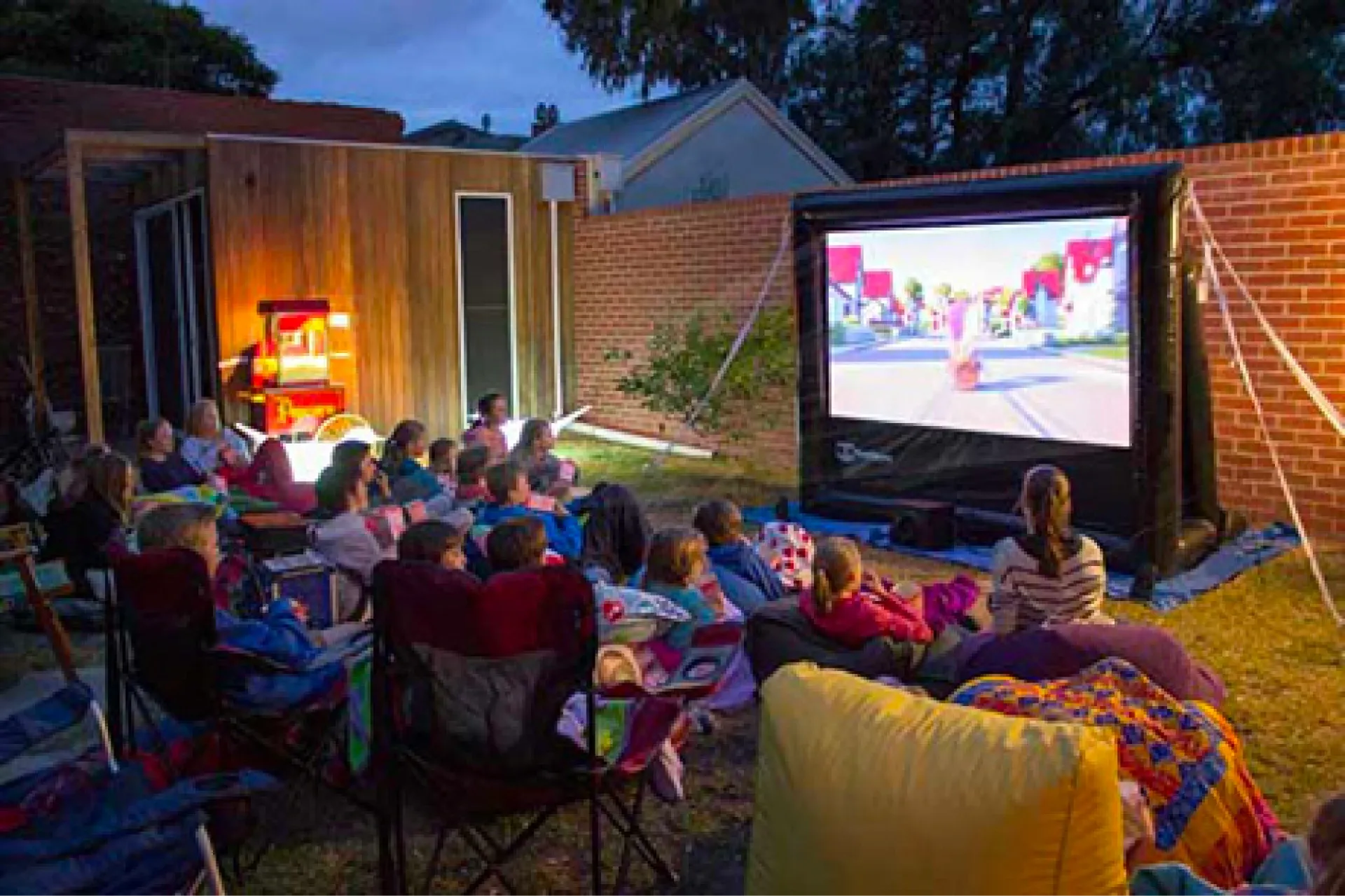
Christmas lunch, a Lunar New Year visit to Grandma's flat, the night before a cousin flies back to Toronto: the festive season is when the whole family is finally in one room. That makes it the perfect moment to bring out the old home videos and photos you have had digitised. A "memory watch party" can be as simple as twenty minutes of clips on the TV after dinner, or a full evening with a theme and snacks. This guide walks you through planning one that people will actually enjoy, not just sit through.
Start with the guest list, not the footage
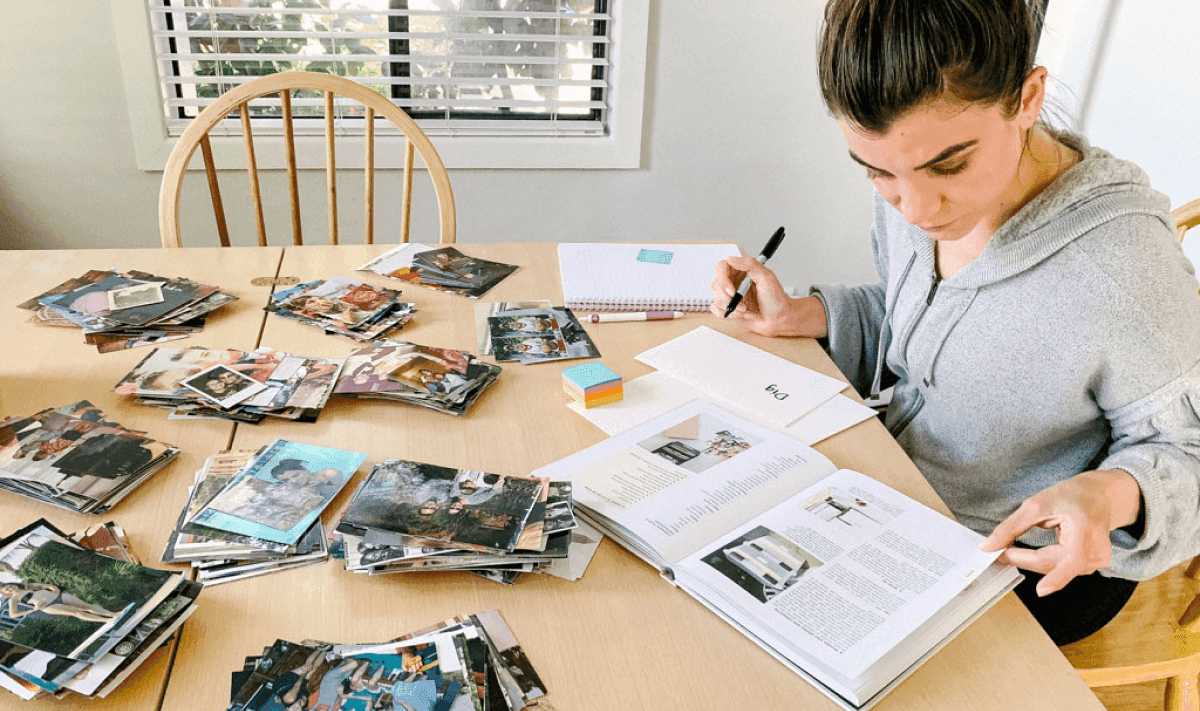
It is tempting to begin by opening every folder and picking favourites. Try the opposite. Think about who is coming and what they will recognise.
Grandparents love seeing their younger selves, old flats and neighbourhoods that have since been redeveloped.
Teenagers and children laugh hardest at their parents' haircuts and at footage of themselves as babies. Keep their segments short and fast.
In-laws and friends who weren't there need a little context, so a few spoken introductions help ("this is the 1994 sports day at Dad's primary school").
The golden rule is that the people in the room should also be on the screen. A clip of Auntie dancing at a wedding banquet will get more reaction than ten minutes of scenery from a holiday nobody present remembers.
Keep the running time short
A watch party always runs longer than the footage. People pause it to tell stories, refill drinks and argue about who was holding the camera. As a guide, plan 20 to 40 minutes of material for an evening and expect it to fill an hour or more. If you have hours of tape, split it into rounds: one block before dinner, one with dessert.
Build the show before anyone arrives
The worst watch parties are the ones where someone scrolls through a laptop looking for "that clip from Phuket". Prepare a finished playlist or slideshow in advance so that on the night you only press play.
Easy tools you probably already have
Google Photos: put the chosen photos and clips into one album, play it as a slideshow, or use the app's built-in movie and collage tools to make a short montage with music. Features change over time, so check what your version offers at the time of writing.
Apple Photos on a Mac, iPhone or iPad can turn an album into a slideshow or a short memory video with music and titles.
Free video editors on phones and computers let you trim long tape transfers down to the best moments and add simple captions such as names and years.
Getting it onto the big screen
Most smart TVs can play files straight from a USB stick, and many can cast from a phone. Test it a day ahead on the TV you will actually use, especially if the party is at a relative's home. Check the sound too; old camcorder audio is often quiet, so you may need to turn the volume up more than usual.
Pick a theme (or let the footage pick one)
A theme is optional, but it gives the evening a shape. Some ideas that suit Hong Kong families:
Then and now: pair an old photo of the family outside a favourite restaurant or estate with a recent one taken in the same spot.
One decade at a time: 80s, 90s, 2000s, with music from each era playing in the background.
Festivals through the years: every Lunar New Year, mid-autumn lantern night or Christmas you have on tape, in order.
The wedding special: parents' or grandparents' banquet footage, ideal for an anniversary falling near the holidays.
You can match food to the theme as well: old-style bakery treats for a retro night, or the dishes that appear on the banquet table in the video.
Include family who can't fly home
Many Hong Kong families are now spread across the UK, Canada, Australia and beyond. Two simple ways to include them:
Share the album link beforehand so overseas relatives can watch at the same time, then join everyone on a video call.
Ask them to send a few lines about their favourite clip and read them out when it plays.
Time zones make live viewing tricky, so a shared album also lets people watch later and add comments.
Little touches that make it memorable
Pause at a few chosen moments and ask "who remembers this?" to get the stories flowing.
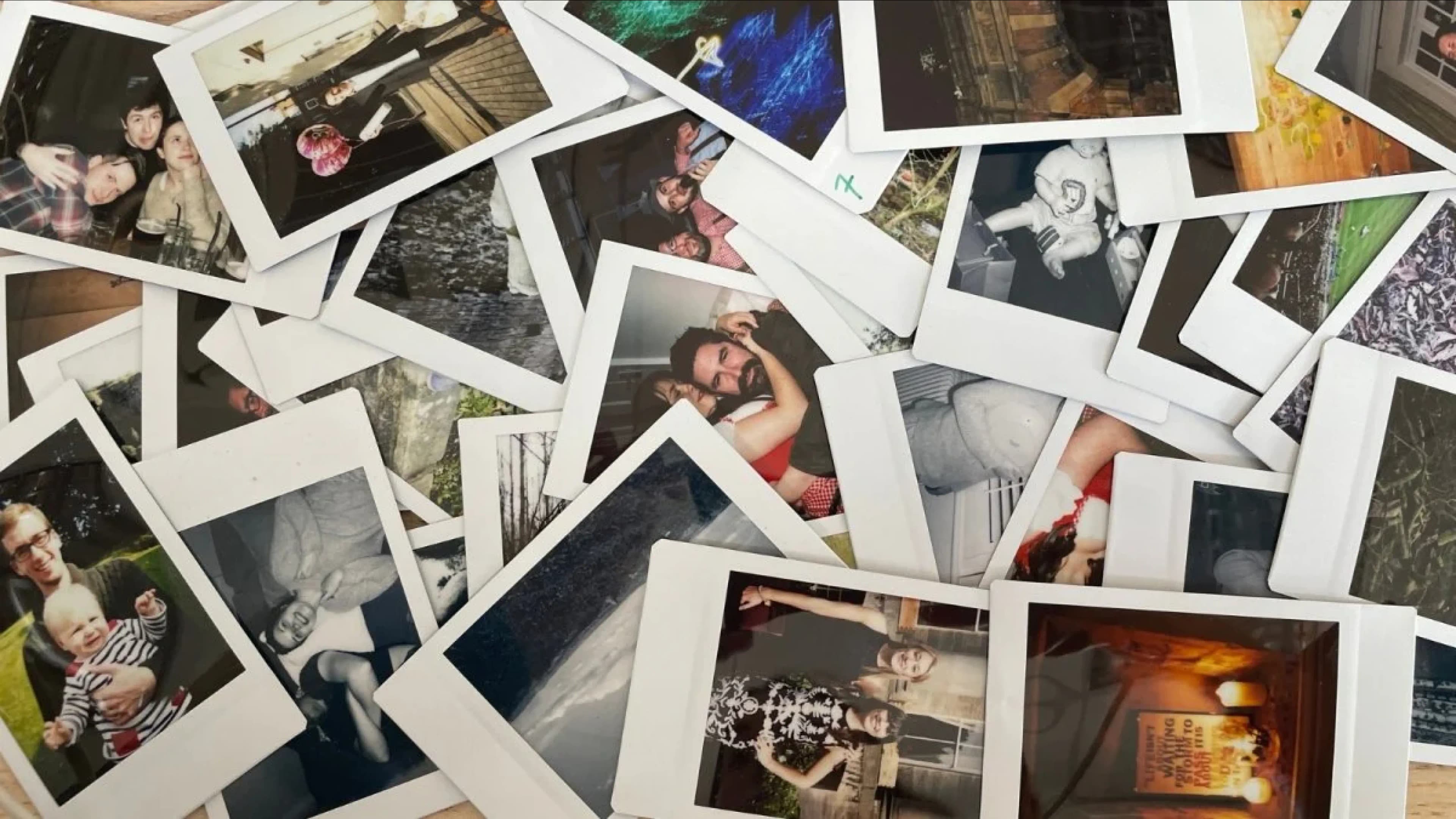
Put a few original prints, slides or even an old camcorder on the table for people to handle.
Record the party itself on your phone. In twenty years, that will be the footage everyone wants to see.
Have a USB copy ready as a parting gift for the relative who asks for "a copy of everything".

Don't have the footage digitised yet?
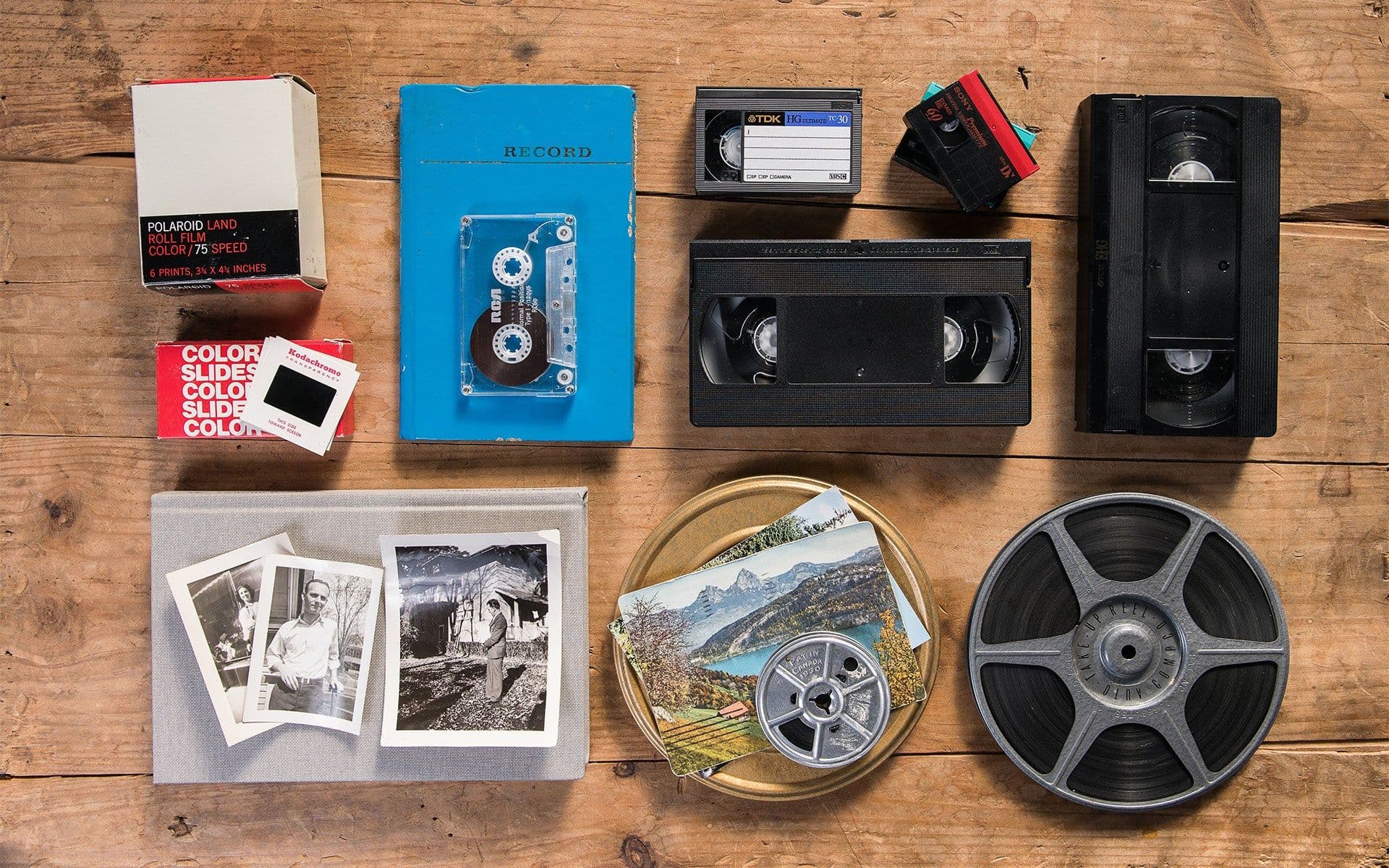
If the memories are still on VHS tapes, Hi8 cassettes, slides or loose prints, there is still time before the next festival. Mould from Hong Kong's humidity is the most common problem with stored tapes and slides, so it is worth getting them transferred before the damage spreads.
Capture HK turns videotapes into MP4 files and slides, negatives and photos into high-resolution JPGs, delivered on a USB or uploaded straight to Google Photos ready for your watch party. See our video transfer service and slide and negative scanning, or get an estimate with our free quote.
Capture Reviews
Related Articles
You may also like these articles



Capture · Our team
Any Questions?
Feel free to contact
our Memory Specialists
Not sure what format you have or how best to handle it? WhatsApp us and one of the team will take a look.
WhatsApp us