[Instax Mini Link] 3rd Generation Price, Reviews, and How to Buy (with Comparison of Previous Models)


The Instax Mini Link series by Fujifilm is a popular smartphone photo printer line renowned for its instant print function, allowing users to easily turn digital photos into tangible memories. Since its first release in 2019, the series has continued to evolve, integrating more creative features such as AR effects and collage tools. This article explores its model lineup, generation comparison, Mini Link 3 reviews, price, drawbacks, film purchasing guide, and operation instructions to help readers fully understand the product.
How many models of Instax Mini Link have been released?
Since its debut in 2019, the Instax Mini Link series has introduced three main models: the Instax Mini Link (first generation), Instax Mini Link 2 (second generation), and Instax Mini Link 3 (third generation). Additionally, there are special editions of the Mini Link 2 (such as the Nintendo Switch collaboration), but the three main generations remain the core lineup.
The first generation focuses on basic Bluetooth printing, the second adds LED lighting and AR drawing features, while the third emphasizes virtual reality integration. The series is designed specifically for Mini-format films, differing from Square or Wide versions. As of 2025, Fujifilm has not announced a fourth generation but continues to update the app to enhance user experience. Each generation was released roughly 1–2 years apart, reflecting growing demand for portable printers.
Comparison of the 3 Instax Mini Link Generations

Based on official information and user feedback, here is a comparison of the key specifications and features of the three generations of the Instax Mini Link.
| Specification/Feature | Mini Link 1 (2019) | Mini Link 2 (2022) | Mini Link 3 (2024) |
| Size (mm) | 90.3 x 34.6 x 124.5 | 91.9 x 36.4 x 124.8 | 90 x 37 x 124 |
| Weight (g) | 209 | 210 | 210 |
| Battery life | About 100 prints | About 100 prints | About 100 prints |
| Charging interface | Micro-USB | USB-C | USB-C |
| Connectivity | Bluetooth | Bluetooth | Bluetooth 5.1 |
| Print time | 12 sec/photo | 12 sec/photo | 15 sec/photo (90 sec development) |
| Resolution | 800 x 600 pixels | 800 x 600 pixels | 800 x 600 pixels |
| Unique features | Basic printing, party mode | AR drawing, LED light, spray effect | Instax AiR Studio, collage, Rich mode, VR integration |
| Colour options | Gray, white, pink | Blue, white, pink | Green, white, pink |
| App compatibility | Instax Mini Link App | Instax Mini Link App | Instax Mini Link App (upgraded) |
| Camera connection | Supports X series | Supports X series | Not compatible with X series; uploads via app |
| Price range (HK$) | ~600–800 | ~700–900 | ~730–998 |
From the chart, the three generations share similar dimensions and weight, but functions have improved over time. Mini Link 3 offers more creative tools, such as the newly added AiR Studio, which allows users to draw and print in a virtual space. However, this third generation removed direct Fujifilm X-series camera connectivity in favor of stronger app integration. Overall, the upgrade is worthwhile for users who value creative features.
Instax Mini Link 3 Reviews
Since its launch in 2024, the Instax Mini Link 3 has received overwhelmingly positive reviews. Users praise its portability and print quality. PCMag gave it 4 stars, calling it a “perfect pocket-sized printer” with vibrant colors and rich details. The Phoblographer highlighted it as the best tool for photographers to create portfolios, noting its intuitive app and fun collage functions.On YouTube, user Olivia mentioned it is easy to use and beginner-friendly, though the small print size limits detail. On Amazon and Best Buy, the printer averages 4.5 stars, with praise for battery life and printing speed, though some noted occasional app connectivity issues. Wirecutter listed it among the best instant printers of 2025, commending its film-like texture. Overall, the Mini Link 3 is highly rated — ideal for social and creative use, though it may not fully satisfy professional users.
How much does the Instax Mini Link 3 cost?
In Hong Kong, the Instax Mini Link 3 price varies by color and seller, ranging mainly from HK$730 to HK$998. The official Fujifilm store lists it at HK$998, available in Rose Pink, Sage Green, and Clay White.
Fortress and HKTVMall offer the same price (HK$998) with free shipping or installment options.
Parallel imports from Lau Asia HK sell for HK$980 — cheaper but without official warranty.
According to Price.com.hk, the lowest listed price is HK$730 (during promotions), averaging around HK$810. Overseas, Ubuy HK lists bundles around HK$2900 (with accessories), though local purchases are more affordable.
As of 2025, prices remain stable. For bundle options, Yoho Hong Kong offers sets around HK$1080. Compared with previous generations, the Mini Link 3 is slightly pricier, but the added features bring good value.
What are the drawbacks of the Instax Mini Link 3?
Although the Instax Mini Link 3 has received widespread praise, there are a few drawbacks worth noting. First, print details are easily lost — especially with its small size (2.1 x 3.4 inches), where complex images may appear blurry. Second, it no longer supports direct connection with Fujifilm X-series cameras and now requires uploads via the app, adding extra steps. The app connection can also be unstable at times, particularly on older smartphones. Although the battery lasts for around 100 prints, charging takes 2 hours and there is no fast-charging feature. The film cost is relatively high, at about HK$5–7 per sheet, leading to accumulated expenses over time. In addition, virtual features such as AiR Studio are interesting but may feel unnecessary for non-creative users, and the printing speed is slightly slower. Overall, these drawbacks are not serious, and the device is best suited for light or casual users.
How to buy Instax Mini Link 3 film

The Instax Mini Link 3 uses Instax Mini Instant Film, which can be purchased through various channels. First, it can be bought from the official Fujifilm website or within the app to ensure authenticity. In Hong Kong, retailers such as Fortress, LOG-ON, and HKTVMall sell 10-sheet packs for around HK$80–100. Online platforms like Amazon offer 80-sheet value packs for about HK$300, including framed film designs. In the second-hand market, Reddit users recommend checking Facebook Marketplace or eBay for expired film, which is cheaper but may have quality concerns. Physical stores such as Best Buy or Target also offer immediate purchase options. When buying, make sure to choose Mini-format film, as Wide or Square versions are incompatible. It is recommended to buy in bulk to save on shipping costs.
How to operate the Instax Mini Link 3
Operating the Mini Link 3 is simple:
- Charge for 2 hours via USB-C.
- Download the free Instax Mini Link App (iOS/Android) and connect the printer via Bluetooth.
- Press the side power button to turn on (LED indicators will light up).
- In the app, select photos, edit (collage, AR, etc.), then print (takes 15 seconds; full development in 90 seconds).
- To load film, open the back cover, insert a new pack, and close — auto-calibration will start.
AiR Studio mode:
- Draw virtually within the app, then capture and print instantly.
- To power off, hold the power button.
- In settings, switch between Rich/Natural modes.
- If connection issues occur, restart Bluetooth.
Preserve Your Precious Memories with Capture’s Photo Album Digitisation Service
Do you have a box full of old photographs, worried that they may fade or get damaged over time? Now, you can preserve these treasured memories by digitising them with Capture.HK’s professional photo album digitisation service. Our service allows you to convert your old photos into high-quality digital files, ensuring they are safely stored and easily shareable.
At Capture.HK, we use high-resolution scanning technology to restore your photos with sharp details and vibrant colours, maintaining their original quality. We also offer various file formats, making it easy for you to access and share them across different devices. Most importantly, we handle your photos with utmost care, ensuring they are safely processed and preserved.
The Frame Digital Photo Frame
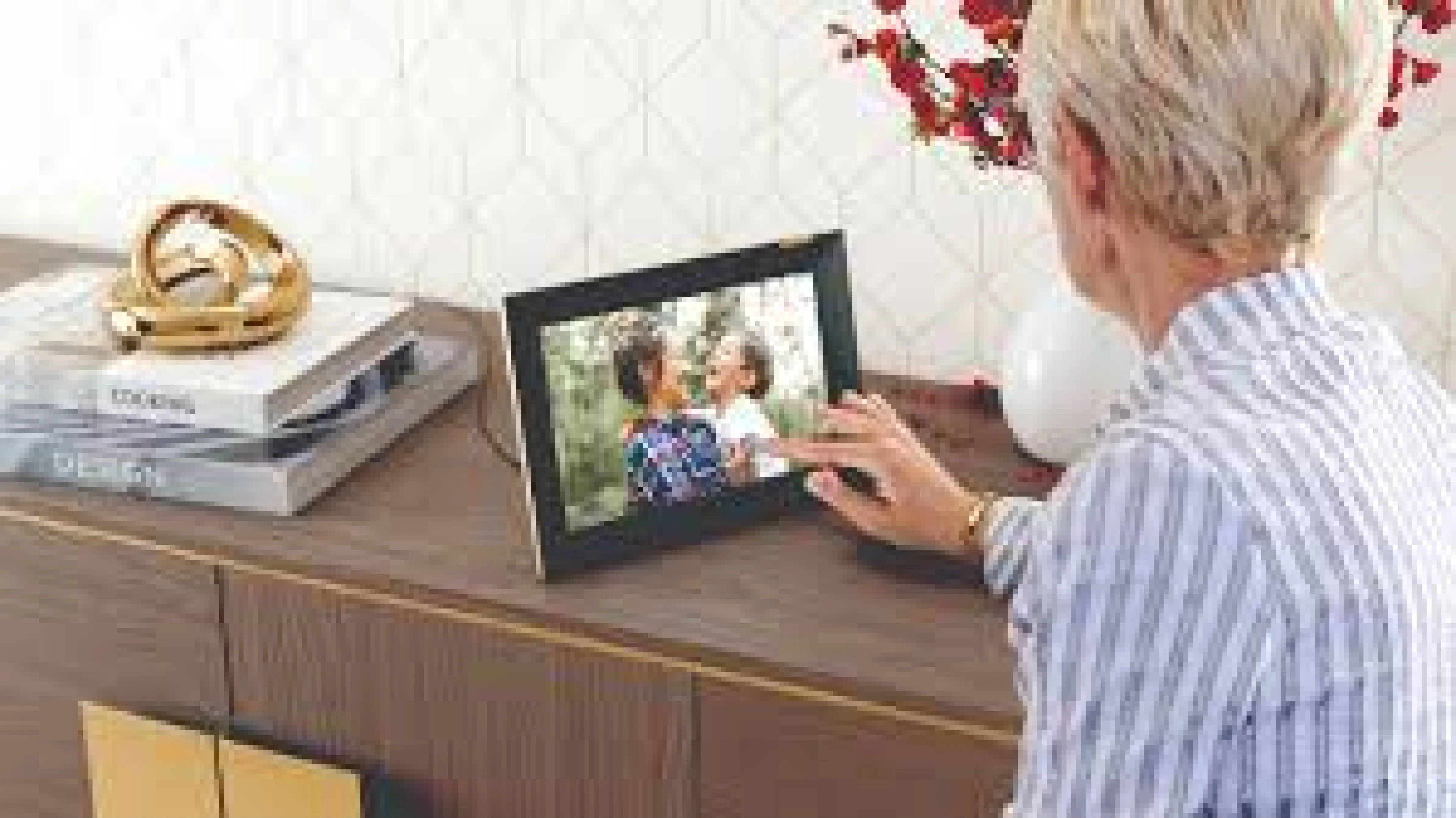
Want to relive your digital memories every day? Capture’s The Frame digital photo frame is the perfect solution! Designed to showcase your most cherished moments, The Frame allows you to display a lifetime of memories in one elegant frame.
With its sleek design and high-resolution display, The Frame offers an effortless way to organise and enjoy your favourite photos. Simply digitise your photo collection, upload them to The Frame, and enjoy your memories anytime, anywhere.
Whether placed in the living room, bedroom, or office, The Frame adds a touch of warmth and personality to your space. More than just a decorative item, it’s a meaningful gift that brings your treasured moments to life.
Get The Frame today and enjoy your memories every day!
References:
- Which instax™ is right for you? - instax
- instax mini Link 3™ - instaxus
- Fujifilm Instax Mini Link 3 review: is it worth upgrading? - amateurphotographer
- Fujifilm instax mini printer 1 or 2 or 3? - reddit
- Fujifilm Instax Mini Link Pink Printer Bundle - amazon
- Fujifilm instax mini Link 2 vs Fujifilm instax mini Link 3 - rtings
Extended Readings:
Capture Reviews
Related Articles
You may also like these articles







Capture · Our team
Any Questions?
Feel free to contact
our Memory Specialists
Not sure what format you have or how best to handle it? WhatsApp us and one of the team will take a look.
WhatsApp us