Pinterest Beginner's Guide 2026: Web vs. App Differences & Latest Trend

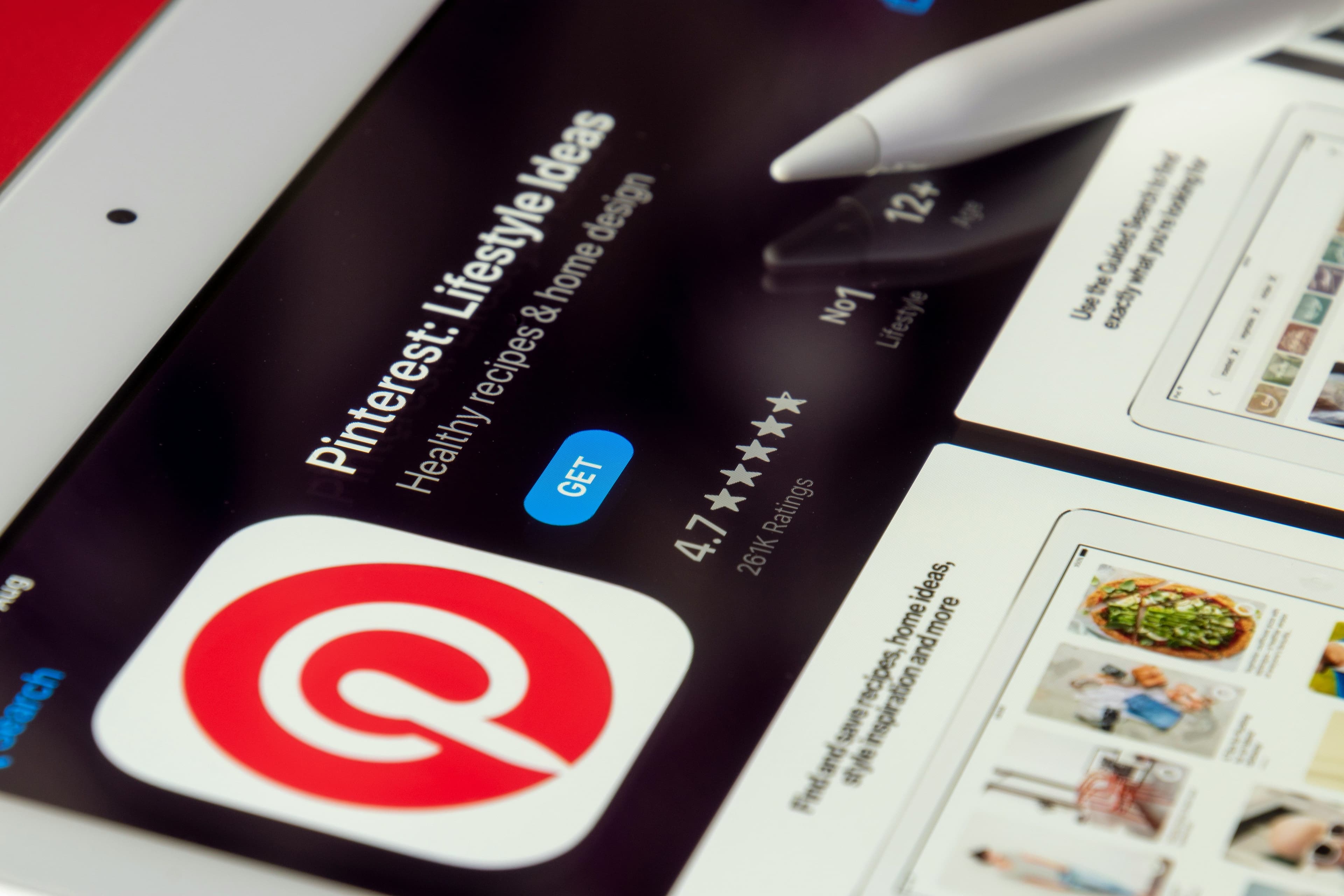
When searching for interior design, brand identity, wedding setups, or fashion outfit ideas, you have likely encountered Pinterest images via Google search results. Pinterest functions as a visual search engine and inspiration hub used by over 500 million global monthly active users. It serves as both a mood board platform for designers and a high-converting channel for e-commerce brands and content creators.
While traditionally perceived as an English-centric platform, Pinterest fully supports Traditional Chinese interface options alongside dedicated desktop and mobile application experiences. This guide covers Pinterest's core functionality, account setup, language controls, practical creative/marketing workflows, and key visual trends for 2026.
What Is Pinterest? Why Designers and Brands Rely On It
Pinterest acts as a visual search engine combined with a digital collection wall. Users search key terms or browse recommendations to find images, short videos, and web links, saving ("Pinning") them into organized "Boards." Unlike standard social platforms focused on social feeds, Pinterest emphasizes future planning—such as gathering home renovation ideas, recipes, or project mood boards.
With high organic search intent, Pinterest drives strong referral traffic for e-commerce and creative industries. Designers use it for UI inspirations, illustration, photography, and layout references, while merchants benefit from users actively planning purchasing decisions.
How to Download and Register for Pinterest (2026 Step-by-Step)
Web Version Registration (Desktop)
Navigate to the official website (pinterest.com).
Click Sign Up in the top-right corner. Register using Email, Google, or Facebook accounts.
Fill in basic profile details (Name, Age, Gender) and select initial topics of interest (e.g., Interior Design, Illustration, Fashion) to seed your initial home feed recommendations.
Verify the confirmation link sent to your email address to activate the account.
Mobile App Setup (iOS / Android)
Download the official Pinterest app via the App Store or Google Play Store.
Launch the app and log in or register via Email, Google, or Facebook.
Select your primary interests to populate the initial personalized visual feed.
Note: For cross-border e-commerce or international marketing, setting up your account with a primary Google or business email ensures seamless integration with external advertising and analytics tools.
Language Settings: Switching to Traditional Chinese
Pinterest automatically supports local languages across desktop and mobile devices:
Navigate to Settings -> Account Management (or Profile Settings).
Locate the Language dropdown menu and select Traditional Chinese (繁體中文).
Optionally set the regional location to Hong Kong or Taiwan to prioritize localized content recommendations.
Pro Tip: Searching in different languages yields distinct stylistic results. For instance, searching "minimalist interior" vs. "極簡風室內設計" exposes different regional aesthetics, color palettes, and brand features.
Core Concepts: Boards, Pins, and Visual Search
Understanding three fundamental mechanisms allows you to manage creative assets effectively:
Boards: Digital folders categorized by topic or project (e.g., "Brand Color Palettes," "Typography," "Living Room Layouts").
Pins: Individual images or short video cards that include titles, descriptions, and direct destination URLs (linking to blogs, shop pages, or portfolio sites).
Visual Search & Recommendations: Clicking the magnifying icon on any Pin isolates specific elements (like a chair or a font layout) to find visually similar items across the platform.
Web vs. Mobile App: Best Use Cases
| Platform | Primary Advantages | Ideal Workflow |
|---|---|---|
| Web Version (Desktop) | Wide-screen viewing, easier multi-board sorting, batch uploading high-res images with custom links. | Setting up formal client mood boards, marketing management, long-form content publishing. |
| Mobile App | On-the-go browsing, instant camera/screenshot uploads, quick image saving. | Daily inspiration gathering, snapping physical references to digitize instantly. |
Using Pinterest as a Creative Design Library
Project-Specific Boards: Create dedicated boards for active clients or projects (e.g., "Project A - Visual Identity") containing photography, color, and logo references.
Contextual Categorization: Separate design fields into focused boards such as "Poster Design," "Social Media Templates," or "App UI."
Multilingual Keyword Search: Query key concepts in English, Japanese, or Korean to widen style explorations beyond local trends.
Automated Related Suggestions: Utilize the "More Ideas" tab within existing boards to let the algorithm fetch supplementary references matching your established board aesthetic.
Pinterest Marketing & Traffic Generation
Pinterest operates as a long-tail "Visual SEO" engine, making it a valuable asset for direct-to-consumer (DTC) brands, creators, and online stores:
Intent-Driven Audience: Users search with specific action goals (e.g., "wedding decor ideas," "home office setup"), leading to higher conversion rates compared to passive social feed scrolling.
Extended Content Lifespan: Unlike short-lived social posts, well-optimized Pins accumulate search traffic and repins over months or years.
Predictable Visual SEO: Analyzing trending search terms allows creators to pre-produce content aligned with upcoming seasonal demands (such as home decor, beauty, lifestyle, and travel).
2026 Pinterest Trends & Strategic Advice
The annual Pinterest Predicts report analyzes global search and save behaviors to forecast macro cultural and aesthetic shifts. Key trends for 2026 highlight:
Emerging Aesthetics: Shifts toward structured geometry (such as Neo Deco), tactile/sensory textures (Gummy/Jelly Aesthetics), and cool color palettes (Cool Blue / Glacier Tones) across fashion, beauty, and interior design.
Identity Curation: Users are focusing on personalized, niche self-expression and comfort over transient, mass-market trends.
Actionable Strategy: Designers and marketers can integrate rising trend keywords, specific color swatches, and vertical 2:3 aspect ratios into their Pins using tools like Canva, treating Pinterest as a long-term asset library rather than a casual browsing app.
Preserve Your Precious Memories: Capture Album Digitization Services
If you have boxes of old photos at risk of fading or damage over time, Capture HK provides album digitization services to convert physical prints into high-quality digital files for long-term storage and sharing.
Capture HK uses high-resolution scanning equipment to ensure digitized photos remain clear and detailed, accurately preserving original colors. We offer multiple file format options for viewing across devices, with secure handling to keep your original media safe throughout the process.
The Frame Digital Photo Frame
To display digital photos regularly, Capture’s The Frame offers a dedicated screen designed for showcasing personal photos.
Featuring a high-resolution display, The Frame includes photo management features to display digitized albums in your living room, bedroom, or office.
Sources