Top 6 Virtual Scrapbooking Platforms for 2026: Which Suits You?

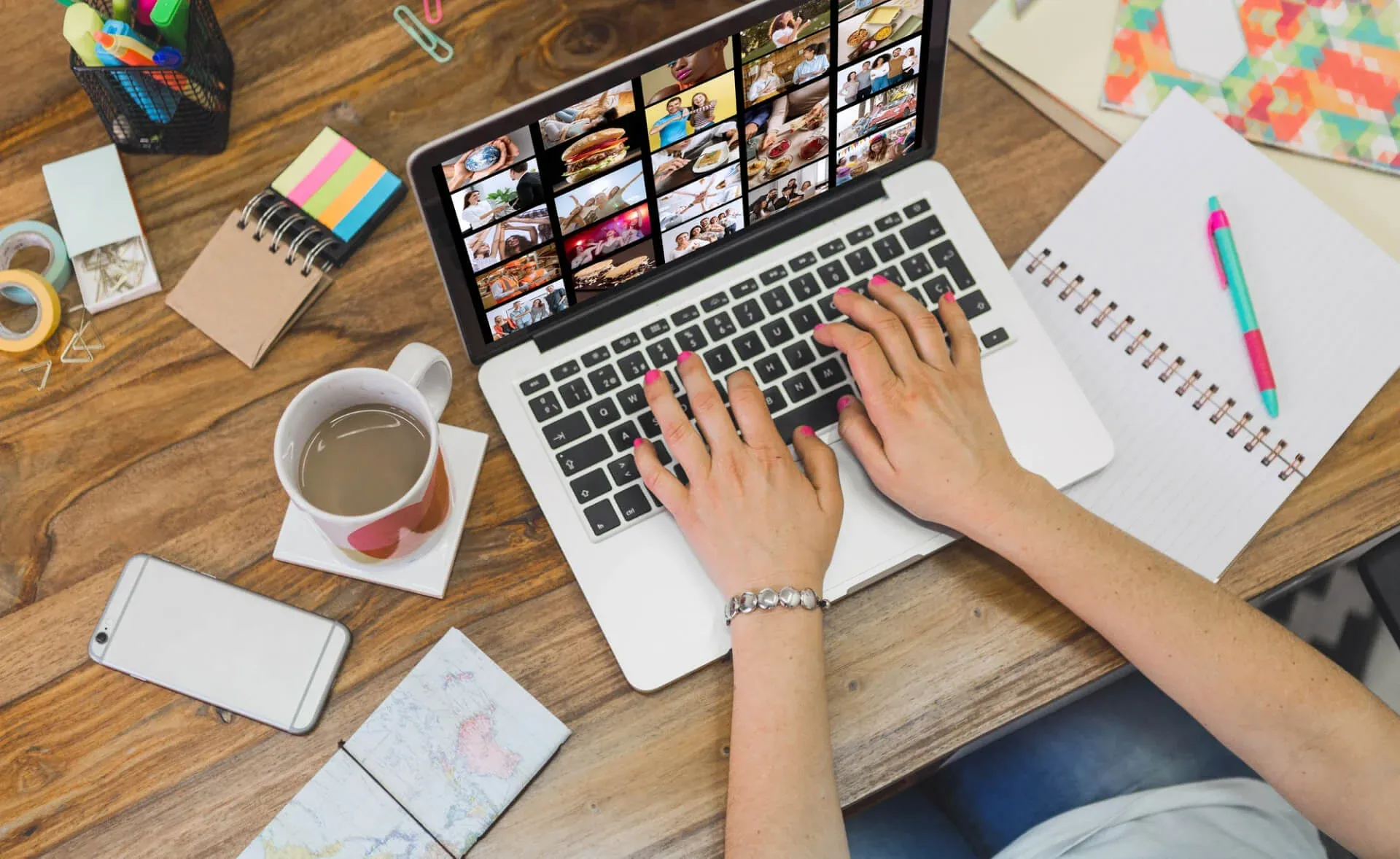
A paper scrapbook is lovely to hold, but it needs glue, stickers, a big table and somewhere to keep the finished book. In a Hong Kong flat, with damp summers that curl pages and loosen glue, that last part is often the problem. A virtual scrapbook gives you the same mix of photos, captions and decoration on a screen, and the result can be shared with relatives in another city as easily as with the people in the next room. Below are six tools worth trying in 2026, what each does best, and how to make a digital scrapbook people actually want to look through.

Why go digital?
No supplies, no mess. Backgrounds, frames, fonts and stickers are built in. Undo replaces scissors and correction tape.
No storage problem. A hundred pages take up no shelf space at all.
Easy to share. Send a link to the family WhatsApp group, or show it on the TV at a reunion dinner.
Safe from the weather. Humidity, mould and a leaking window during typhoon season can ruin a paper album. Files kept in two places can't be ruined that way.
More than photos. Many tools let you add short video clips or audio, something a paper book can't hold.
Still printable. If you want something to hold, export the pages and have them printed as a photo book.
Six virtual scrapbooking tools for 2026
Features and plans change often, so check each tool's current pricing before you commit. Everything below was accurate at the time of writing.
1. Canva
Best for: most people, especially beginners.
Canva runs in a web browser and as a phone and tablet app. Search its template library for "scrapbook" or "photo album" and you will find ready-made layouts you can fill with your own pictures. Drag and drop makes it quick, it saves as you go, and several people can edit the same design, which is handy when cousins in different countries each want to add photos. The free plan covers a lot; a paid plan unlocks more templates and tools such as background removal. You can export to PDF for printing or share a view-only link.
2. Adobe Express
Best for: people who want polished layouts and good typography.
Adobe's free design app works in a similar way to Canva, with templates, fonts and quick photo edits. If you already use other Adobe apps, your assets carry over. It is particularly good for single-page collages and social posts, such as a "then and now" page for a parent's birthday.
3. Apple Freeform
Best for: iPhone, iPad and Mac users who want a free, open canvas.
Freeform comes free on Apple devices. Instead of fixed pages, you get an endless board where you can place photos, notes, sketches and links wherever you like. It suits a loose, mood-board style of scrapbook, for example planning a wedding or collecting photos from a family trip, and you can invite others to add to the same board.
4. GoodNotes
Best for: handwriting and a hand-made feel on a tablet.
GoodNotes is a note-taking app, best known on the iPad, that has become popular for digital journaling. You import photos, write captions by hand with a stylus, and decorate pages with digital stickers, many of which are sold by independent designers. It is the closest thing to a paper scrapbook on a screen, though it takes more time than a template-based tool.
5. Google Photos
Best for: people who just want their photos organised and shareable.
Google Photos isn't a design tool, but its albums, collages and automatic highlight videos do much of what a simple scrapbook does. You can add text to albums, share them with a link, and let relatives add their own pictures. Its search by face, place and object also makes it easy to pull together, say, every photo of Grandma before you start a scrapbook in another app.
6. Google Slides or Keynote
Best for: a free, familiar option you can present.
Presentation software makes a surprisingly good scrapbook. Each slide is a page, layouts are easy to control, and you can add music and video. When you are done, play it full screen at a birthday or memorial gathering, or export it as a PDF or video file.

Which one should you pick?
Easiest start: Canva.
Already on Apple devices and want it free: Freeform.
Love handwriting and stickers: GoodNotes on a tablet.
Want to show it at an event: Google Slides or Keynote.
Mostly need to gather and share photos: Google Photos, then design elsewhere if you wish.
Tips for a scrapbook people will enjoy
Pick a theme before you start. One trip, one year, one person's life. A clear theme stops the project from sprawling.
Choose fewer, better photos. Three strong pictures on a page beat twelve small ones.
Write the captions only you can write. Names, dates, places and the story behind the photo. In twenty years, that is the part people will value most.
Go easy on decoration. Stickers and frames should frame the memory, not compete with it.
Mix old and new. Put a 1980s print of a family outing next to the same spot today. Those pairings are often the favourite pages.
Use good scans. A blurry phone photo of a print looks worse once it is enlarged on a page. Start from a proper high-resolution scan.
Back it up. Keep the finished file and the source photos in at least two places.
Start with your old photos
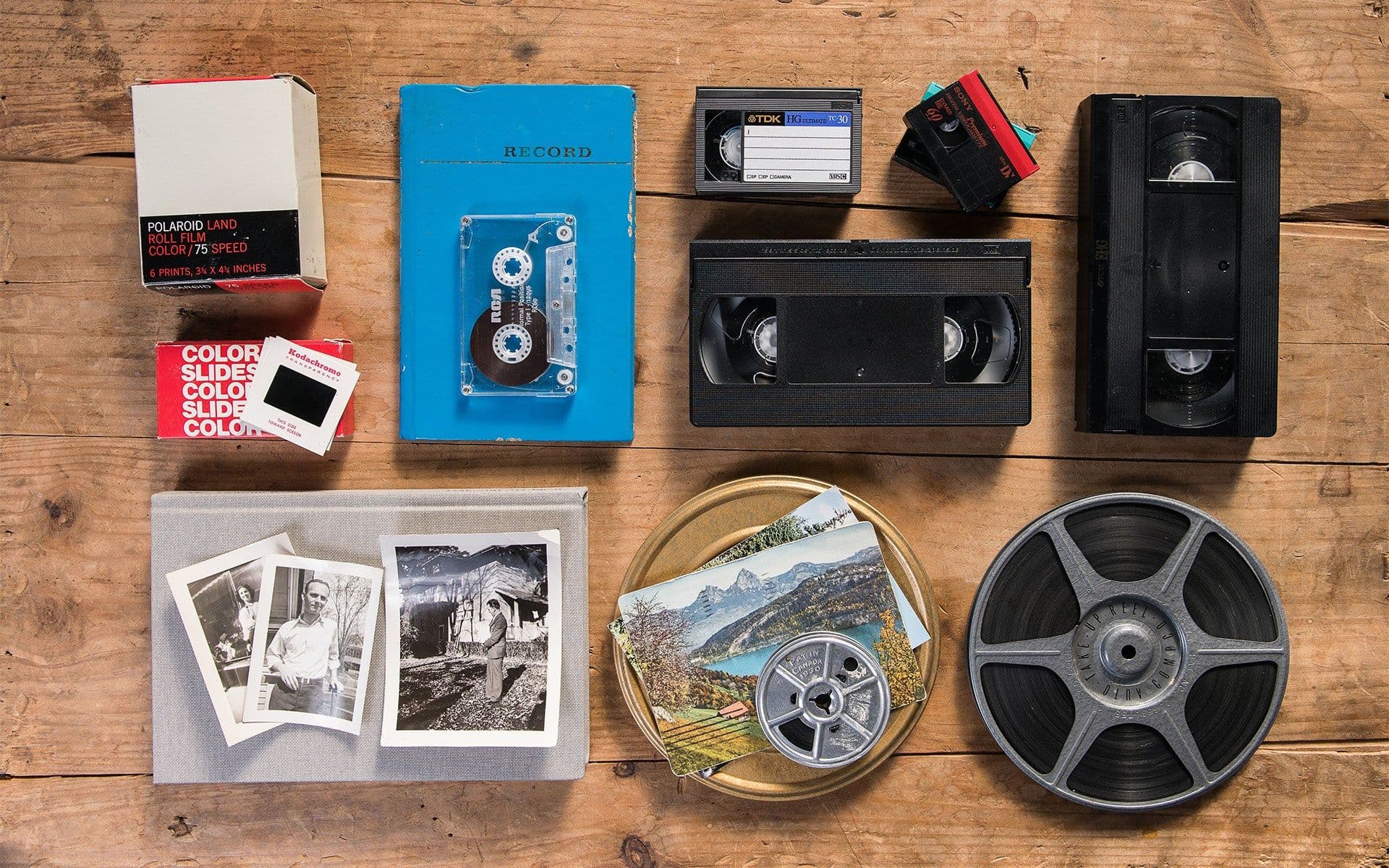
Most families' best material is still on paper: prints in albums, slides in boxes, home videos on tape. Capture HK scans photos and albums into high-resolution JPGs, captures photos stuck in albums without taking them out, and digitises slides, negatives and videotapes, so everything is ready to drop into whichever tool you choose. Files come on a USB or straight into Google Photos.
See the options on our photo digitisation page, or get an estimate with a free quote.
Capture Reviews
Related Articles
You may also like these articles





Capture · Our team
Any Questions?
Feel free to contact
our Memory Specialists
Not sure what format you have or how best to handle it? WhatsApp us and one of the team will take a look.
WhatsApp us