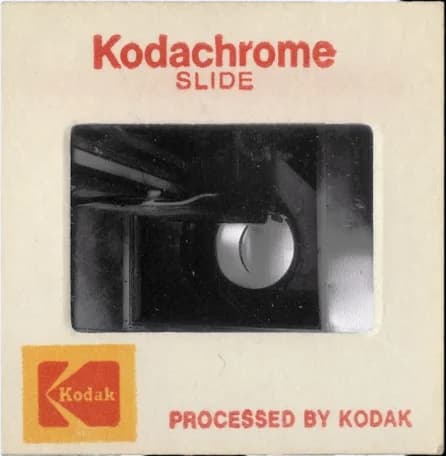
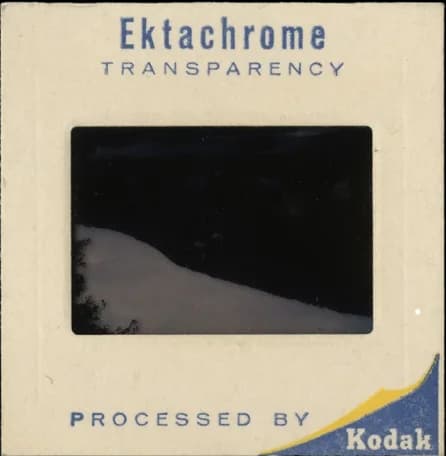
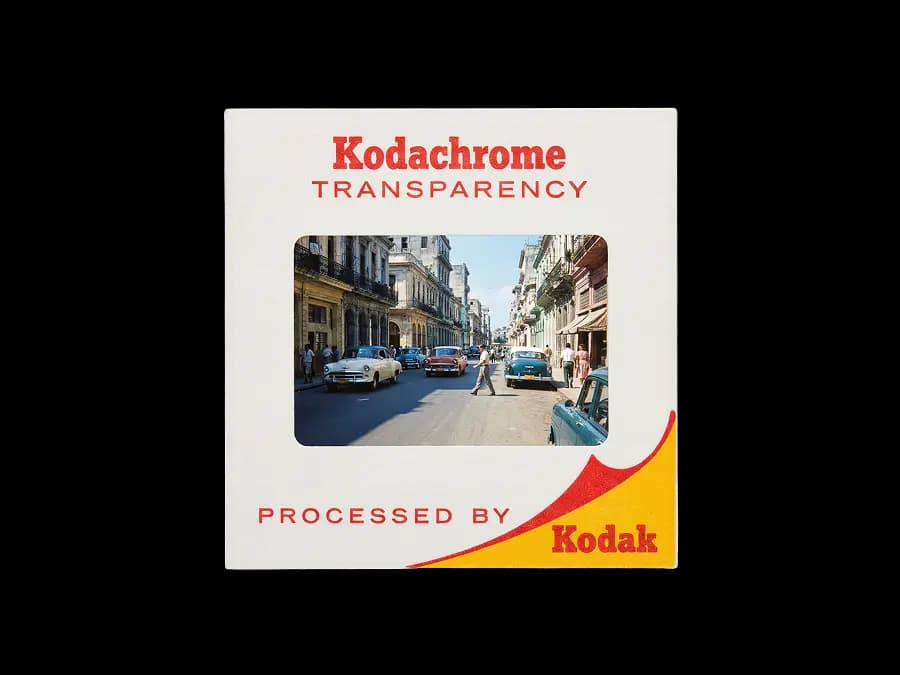
A positive image on clear film. For decades, this is how families gathered round the projector to relive holidays and celebrations.
- Year Released
- 1936
- First popular colour slide film
- Kodachrome 35mm
- Inventors
- Godowsky & Mannes
- Mount size
- 50 × 50 mm
- 35mm frame
- 36 × 24 mm
- Process
- K-14 · E-6
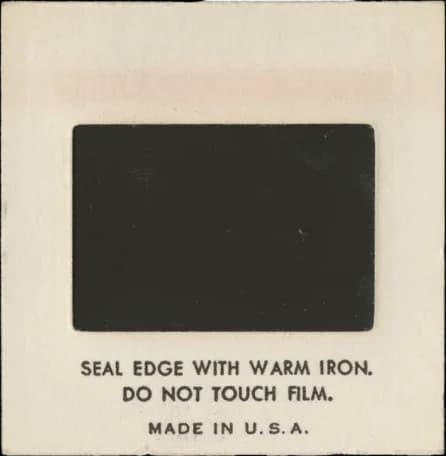
Fig. 1 — Kodachrome and Ektachrome slides
§ 01 — Timeline
A short life of the slide
 1849
 1936
 2009
 Today
1849 · 1 / 4
Lantern slides
The first lantern slides, made on glass, arrived a decade after photography itself and projected a clearer image for audiences.
 PositiveNegative
§ 02 — Positive vs negative
Difference between Slides and Negatives
Slides are developed into a positive image on a transparent base, whereas negatives are a negative image and have a darker appearance that is reversed during scanning. With slides, you can hold them up to the light and see a correct, albeit tiny, photo.
⇆ Drag to compare
§ 03 — Specimens
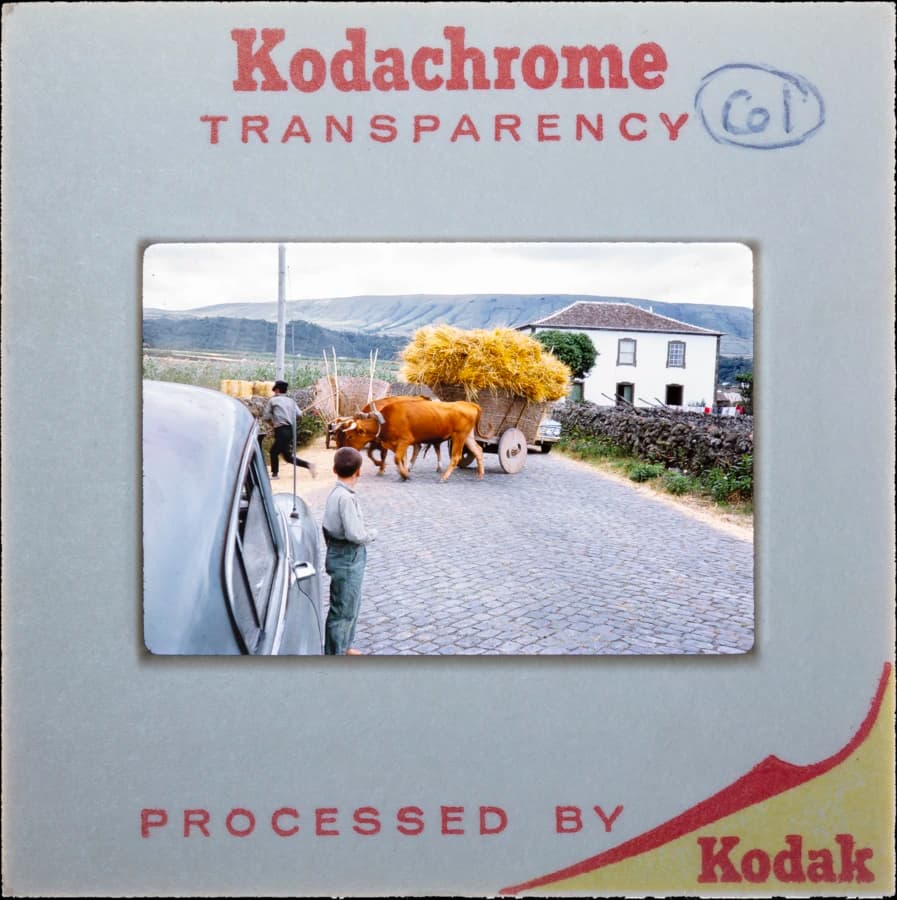
Acceptable Slides
If your slides are any of these formats, Capture can digitise them.
35mm
34×23 mm
Common110
17×13 mm
Others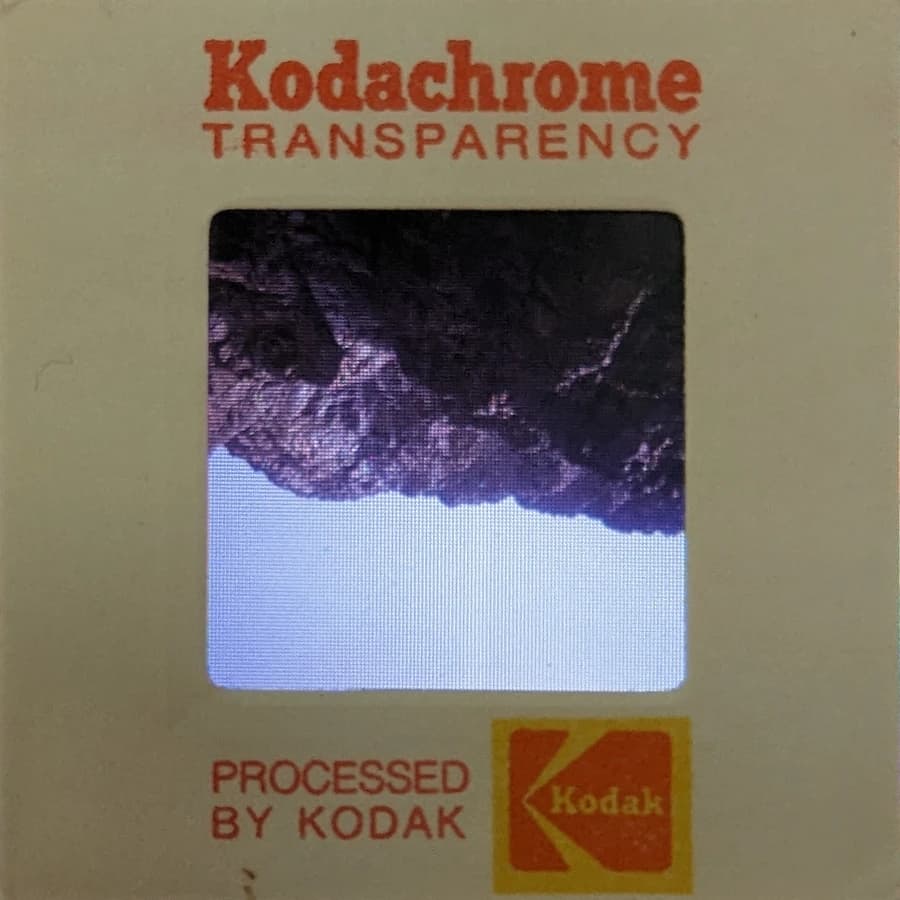
126
26×26 mm
Others127
58×38 mm
Others127 Superslide
38×38 mm
Others120 / 220
56×56 mm
Medium format
Roughly to scale (mount and picture, in mm)
Photos via Wikimedia Commons: 35mm slide — JoshuaGrove (CC BY 4.0) · 126 slide — Mliu92 (CC BY-SA 3.0)
§ 04 — Preserve
Still have old slides?
To ensure that these precious memories will not fade over time and can be easily accessed and shared, digitise them with a high quality service provider like Capture.
Slides Digitisation Service Cost
HK$6/ slide
Priced per slide. Each one is scanned at high resolution and delivered as a high-quality JPEG.
Choose a USB drive or Google Photos for delivery.
FAQ
Frequently Asked Questions
Scanning slides to digital images can be done on your own with a slide scanning machine or a smartphone app, but these options offer hit or miss results and can be time-consuming and expensive. For high-quality results at an affordable price, a slide digitising service like Capture is your best option.
Capture · Our team
Any Questions?
Feel free to contact
our Memory Specialists
Not sure what format you have or how best to handle it? WhatsApp us and one of the team will take a look.
WhatsApp us